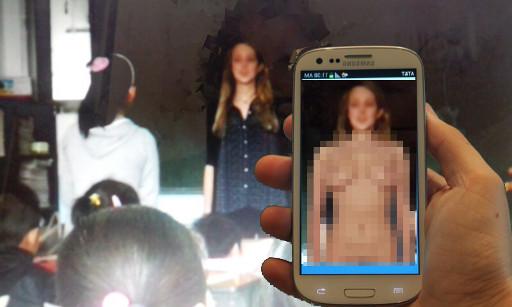
XRay Vision

XRay vision will allow you to see through ladies clothing. Get it free from Google Play.
Focus your camera on a lady to see her completely nude. Due to content guidelines on Google Play a ladies privates are pixelated.

To see options click on the config button and the following dialog will appear:

 |
Click on the load button to choose different body: |
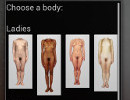 |
The following set of bodies will be displayed. Just click on the body you wish to use. |
 |
To save a screenshot to your gallery click on the snapshot icon. Click on the 'close' button to stop showing the screenshot. |
| Animated Gifs | |
You can record video as animated gif. | |
 |
To begin recording an animated gif movie click on the record button. |
 |
To finish recording click on the stop button. |
 |
To play the last saved animated gif click play. |
| You can easily embed the animated Gif on your website by loading from your SDCard. For example you can get from you SDCard with a path like: sdcard/DCIM/Camera/XRay20130811_134625.gif 20130811_134625 is the time stamp that the GIF was generated | |